Configuration Assistant
Discover NAS Servers and Shares on your network for quick configuration. AutoMounter's Configuration Assistant takes the guesswork out of setting up your shares.
Flexible Setup
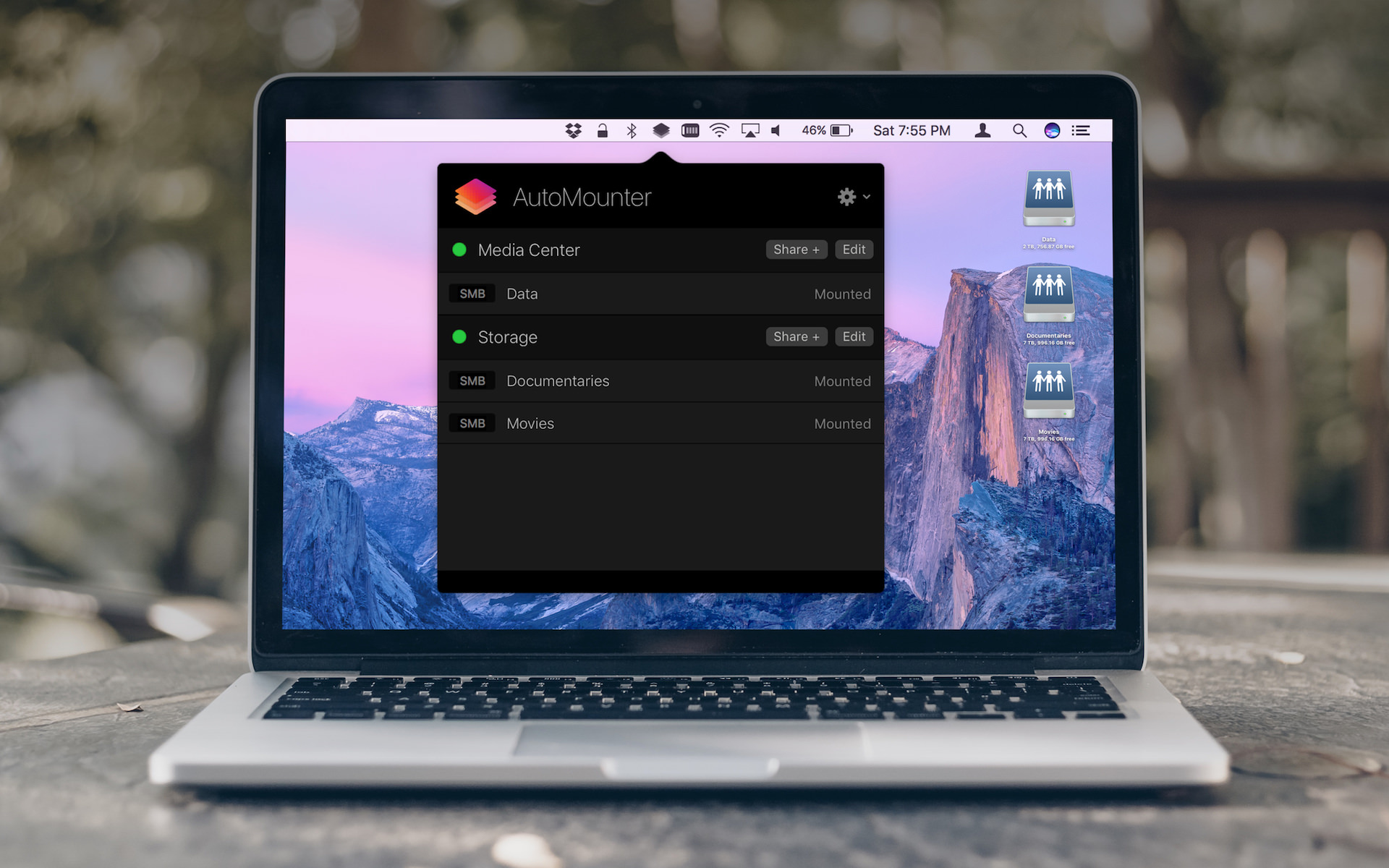
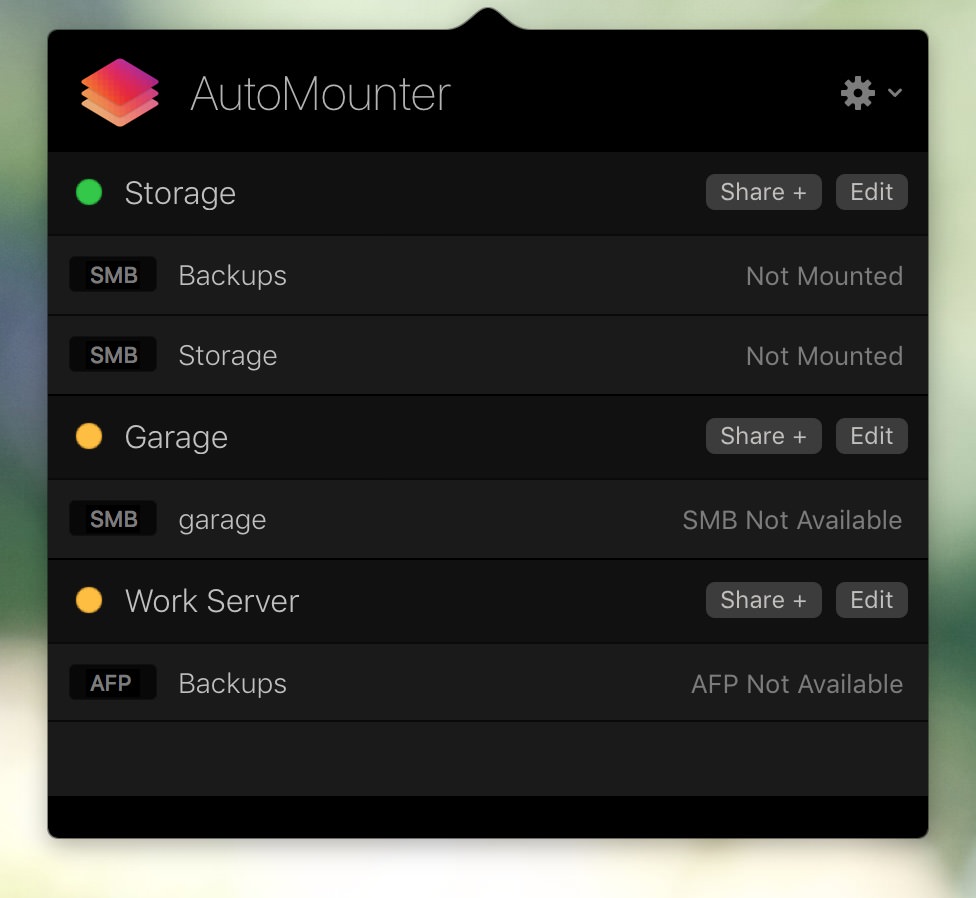
Configure as many servers and shares as you like. AutoMounter will keep track of them all. You can even configure multiple of the same server if you have a different set of mount rules for certain shares.
Mount Rules
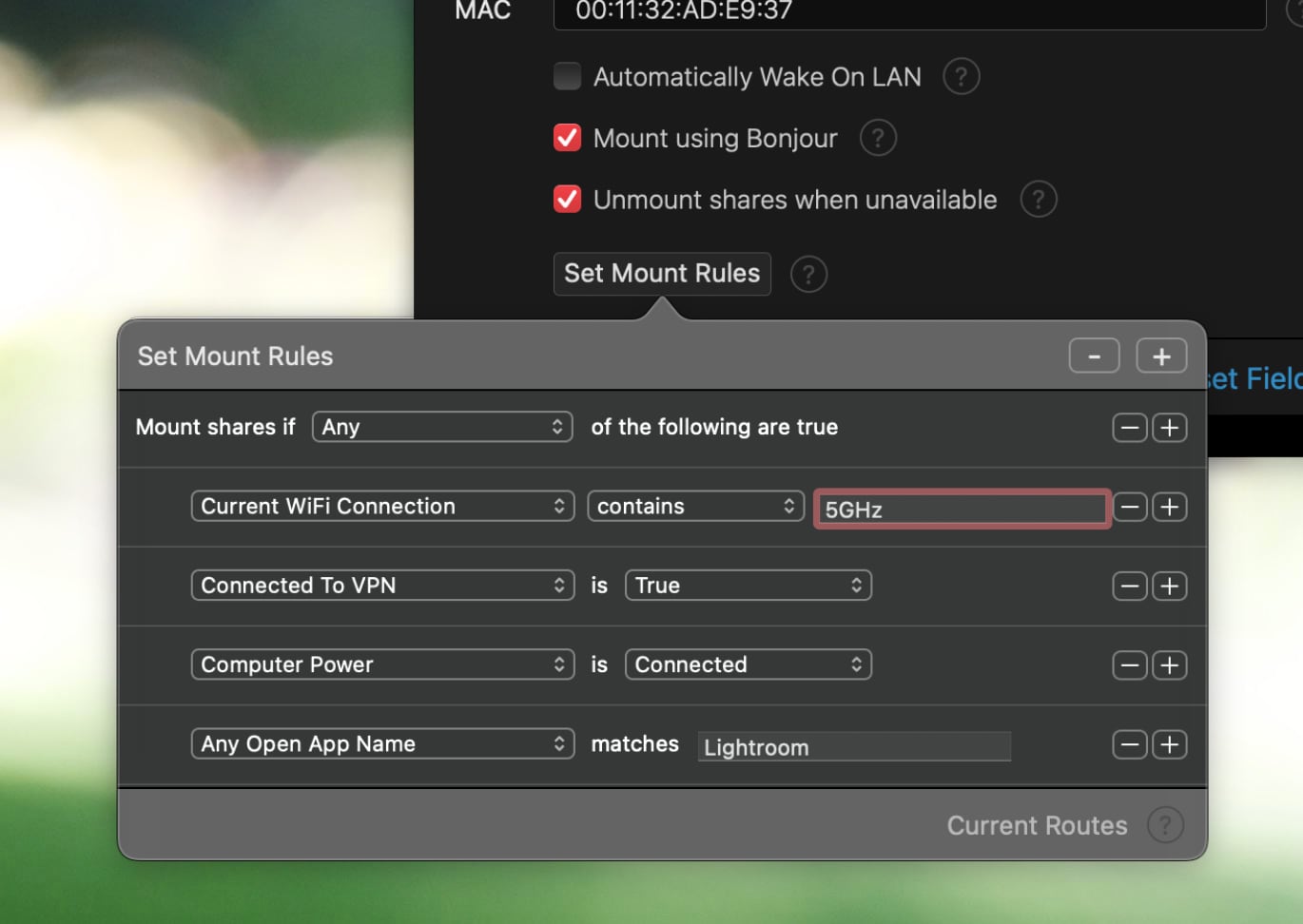
Set custom rules for each server which have to be met before AutoMounter will mount your shares. This includes matching connected WiFi names, open applications, detecting VPN connectivity, and more...
Service Discovery
AutoMounter supports discovery of NAS Servers and services, allowing for tight macOS integration when mounting shares. Supporting Bonjour, WSD, NetBIOS, IP and more.
Share Discovery
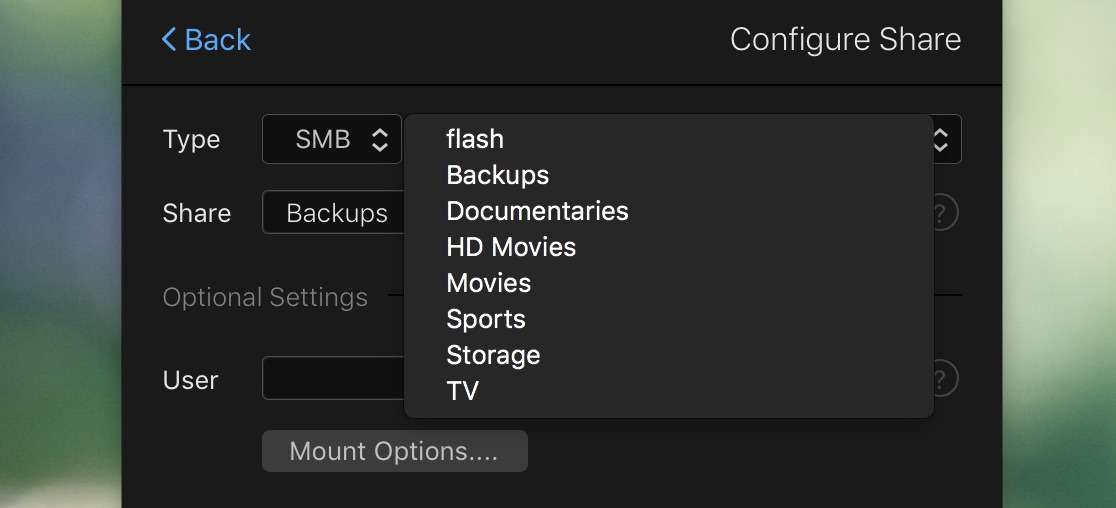
AutoMounter can detect available shares, including SMB, NFS, WebDAV and AFP. Where possible, a list of available shares is available to select from. Alternatively, click 'Discover' to connect and find your shares.
Reactive and Automatic
AutoMounter will keep your shares mounted without interaction required. Wake On LAN support to wake your servers when required, re-mounts shares when shifting between WiFi and Ethernet, and more.
Mount Options
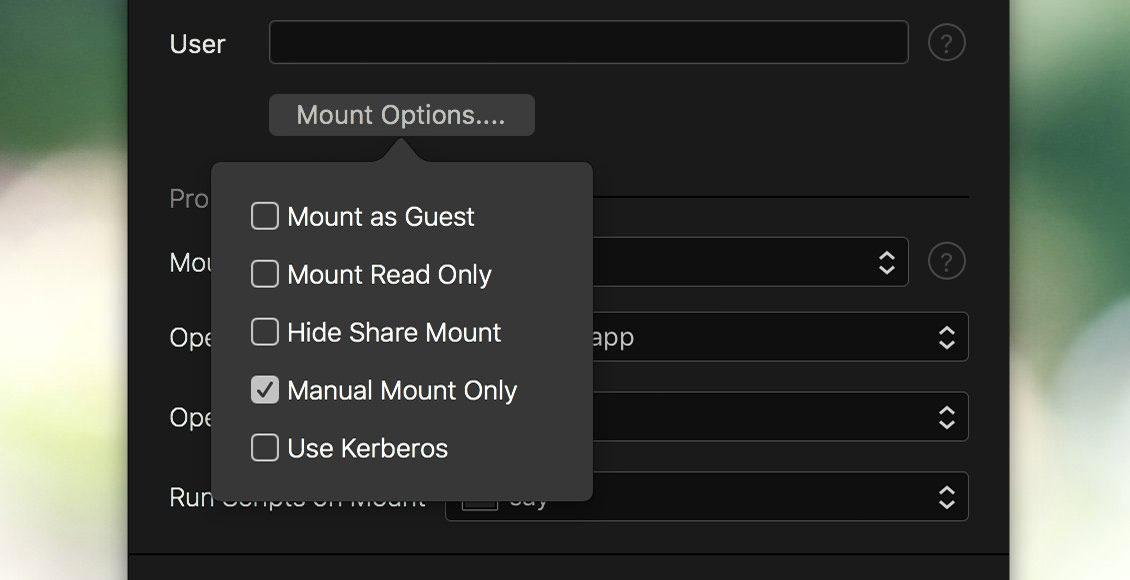
Mount a share as read only, or hide it from Finder. You can specify if you're authenticating via Kerberos or a guest user. You can also take control and mount shares manually.
Import / Export Settings
Back up or move your configuration with an AutoMounter settings file, or export a Managed Profile for MDM.
Rule Status
Check the status of your mount rules at a glance with Mount Rule summaries. Get details on which rule condition isn't being met, and see if the service you're after is online.
Open Files and Apps
Pro Setting
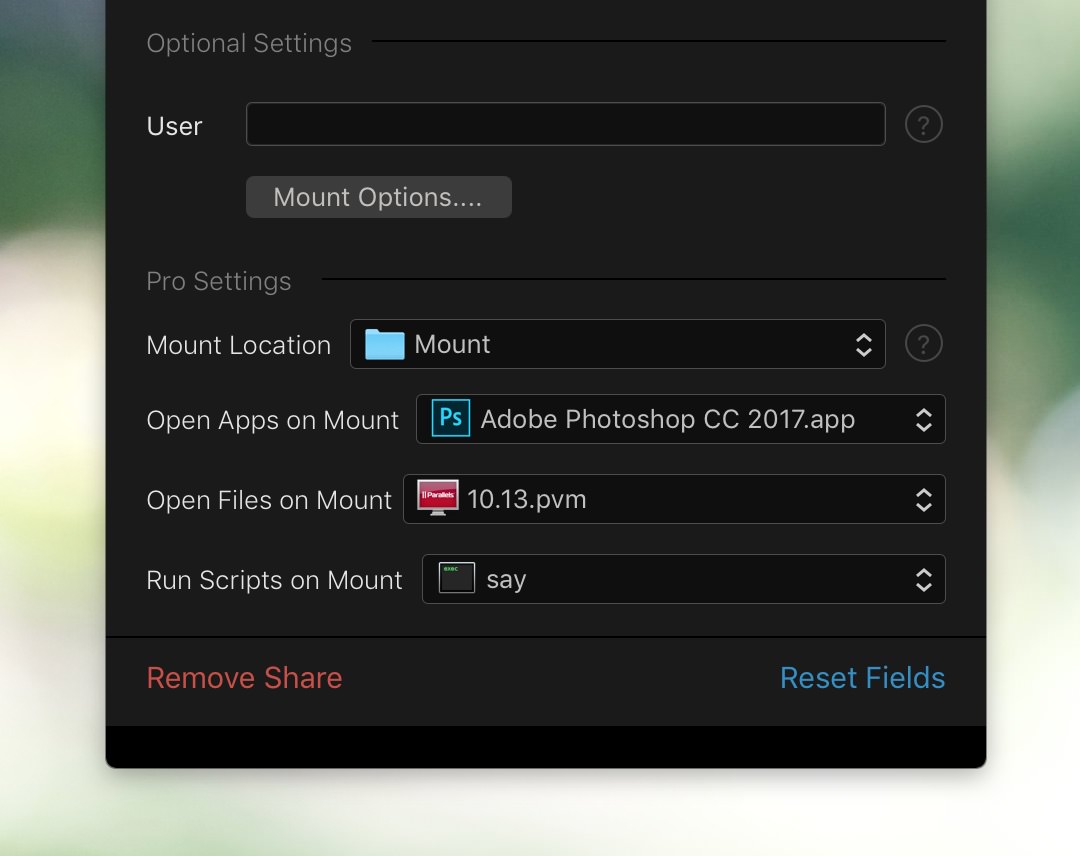
Open as many files and apps as you want when a share mounts. This provides a powerful way of automating workflows that rely on a share being available.
Scripts on Mount Events
Pro Setting
Run as many scripts as you want, triggered by mount events. Specify run-time variables for script arguments, like the current share path, name and mount event.
Custom Mount Points
Pro Setting
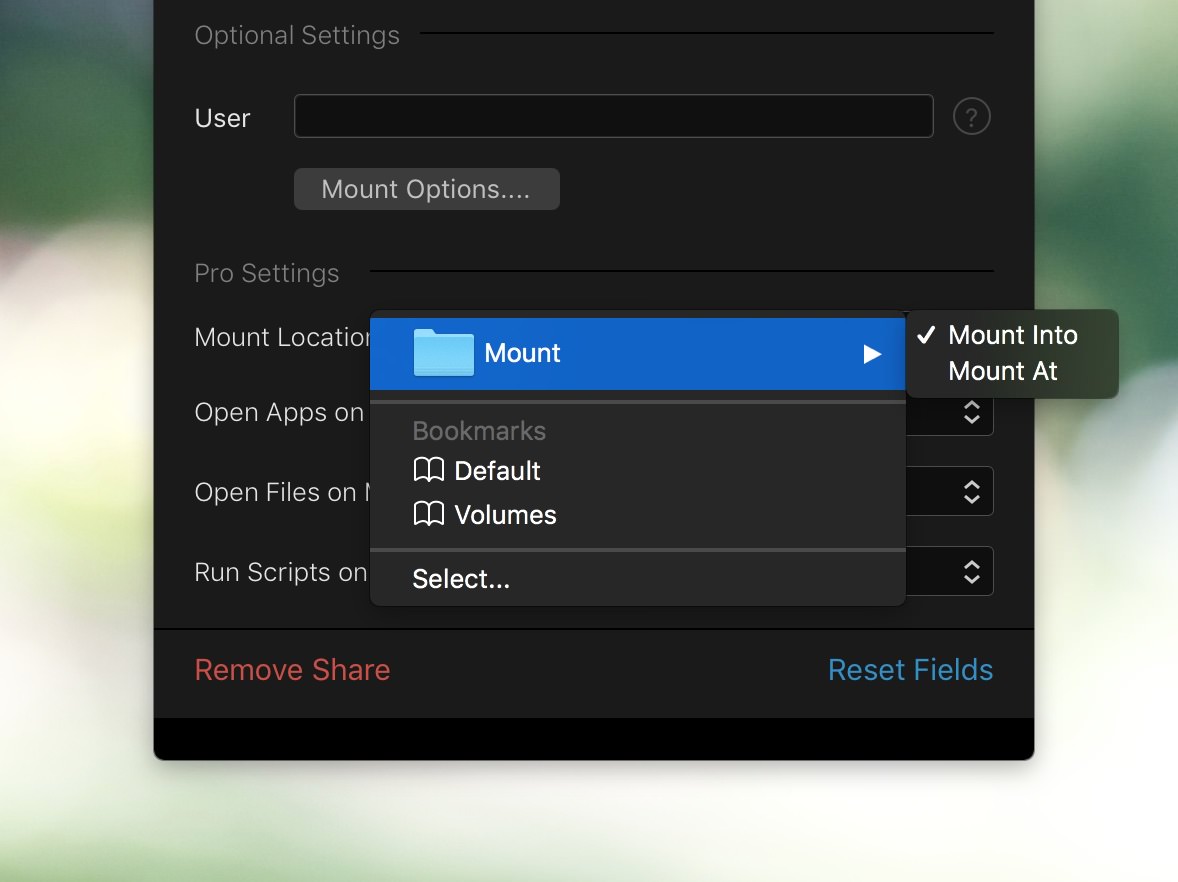
Choose a custom mount location for each of your shares. You can mount into or at a custom folder location.